
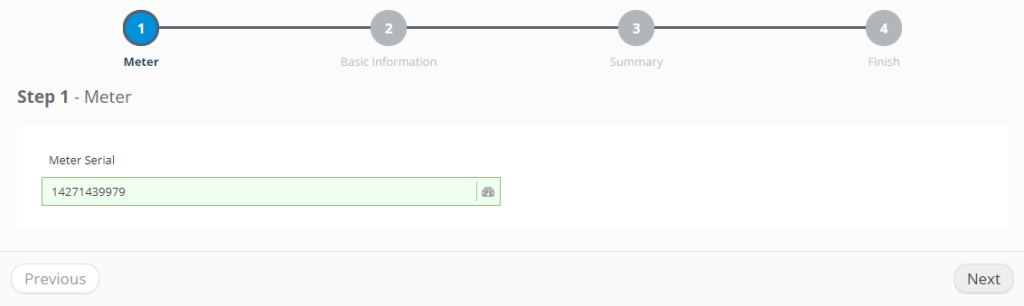
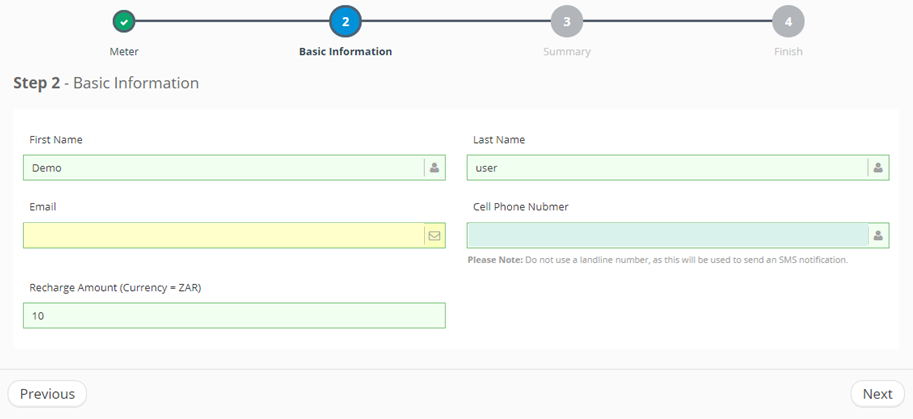
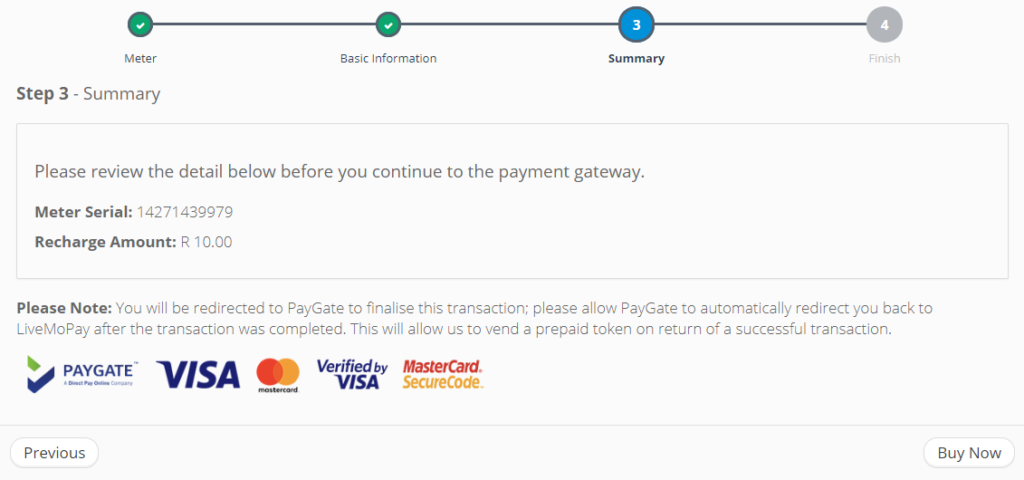
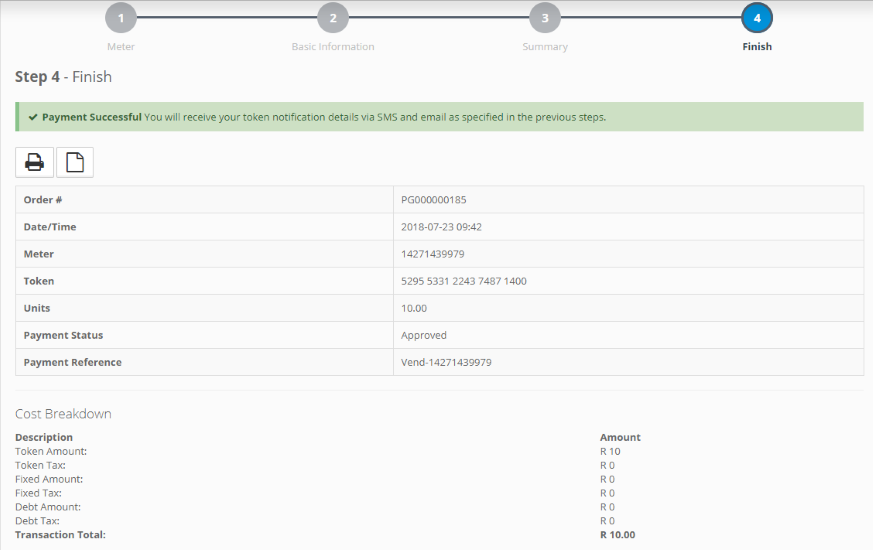

SUMMARY
Follow these 5 steps at www.livemopay.co.za
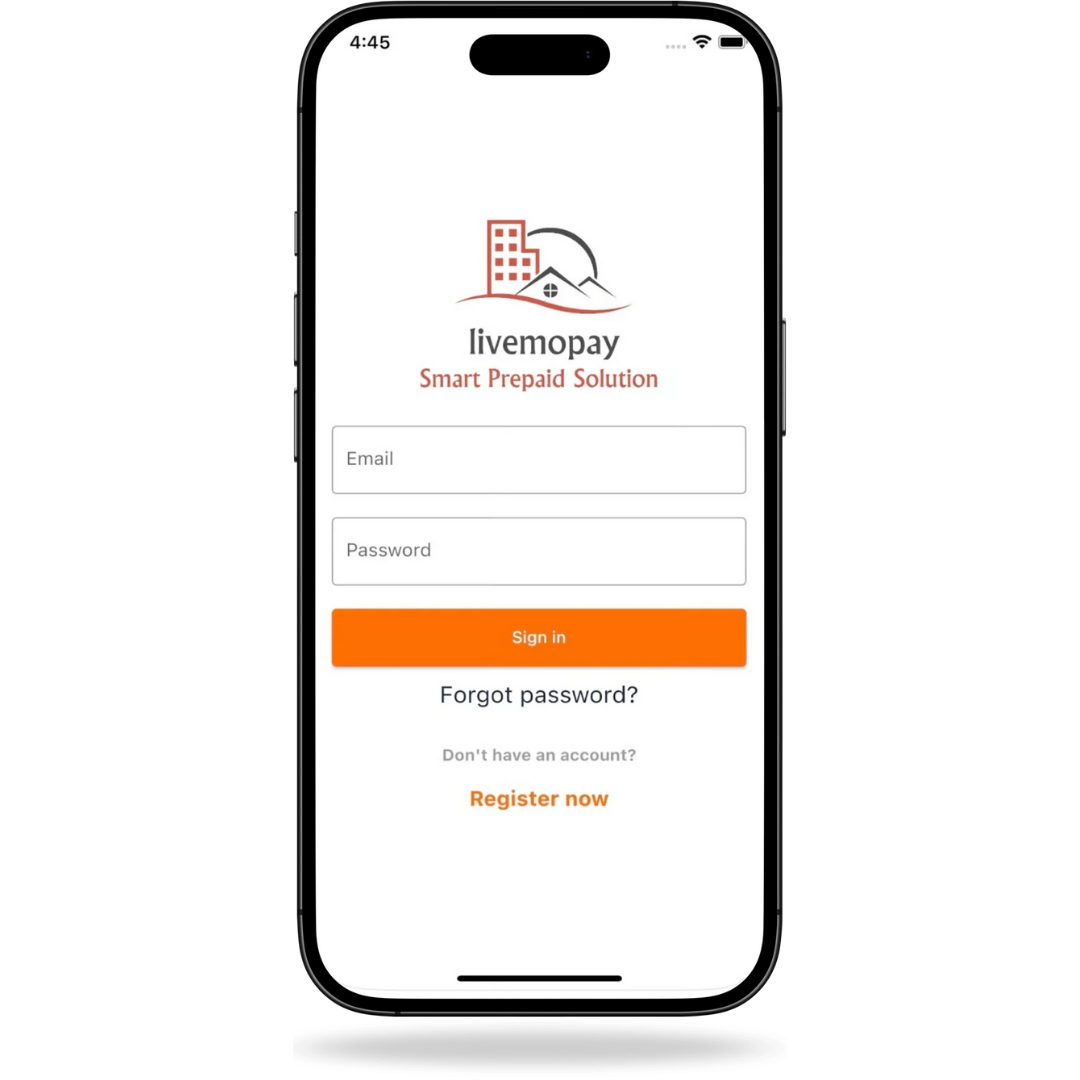
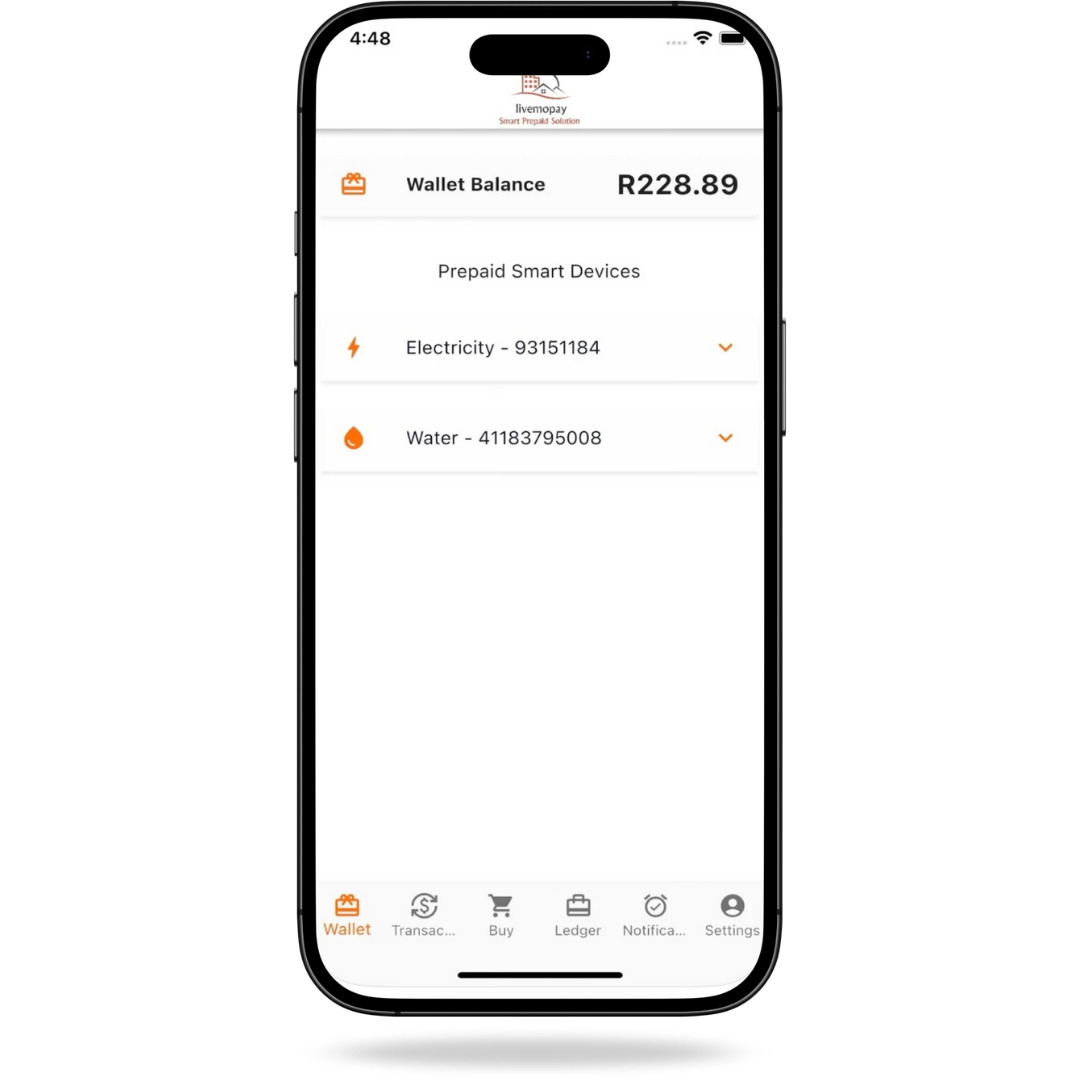
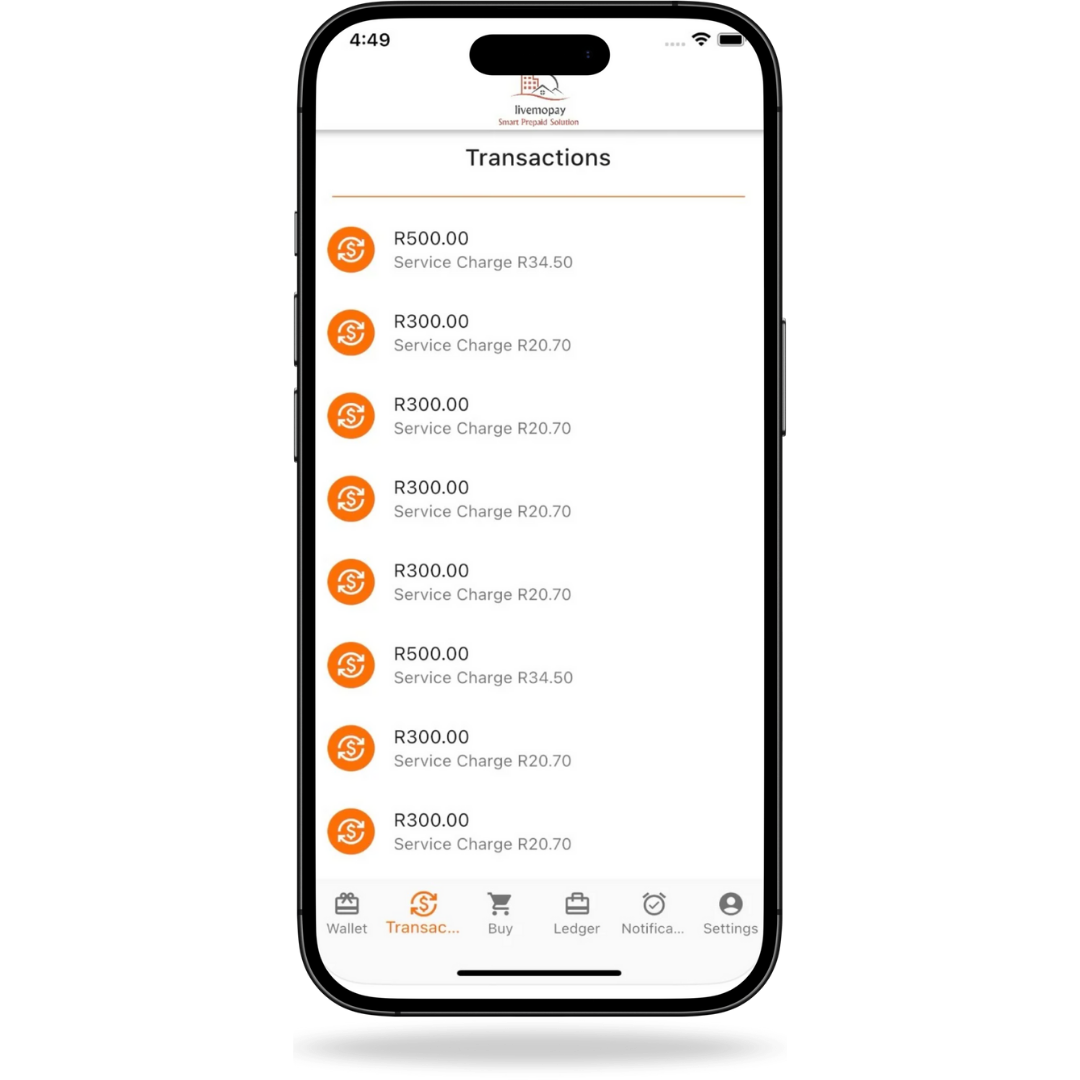
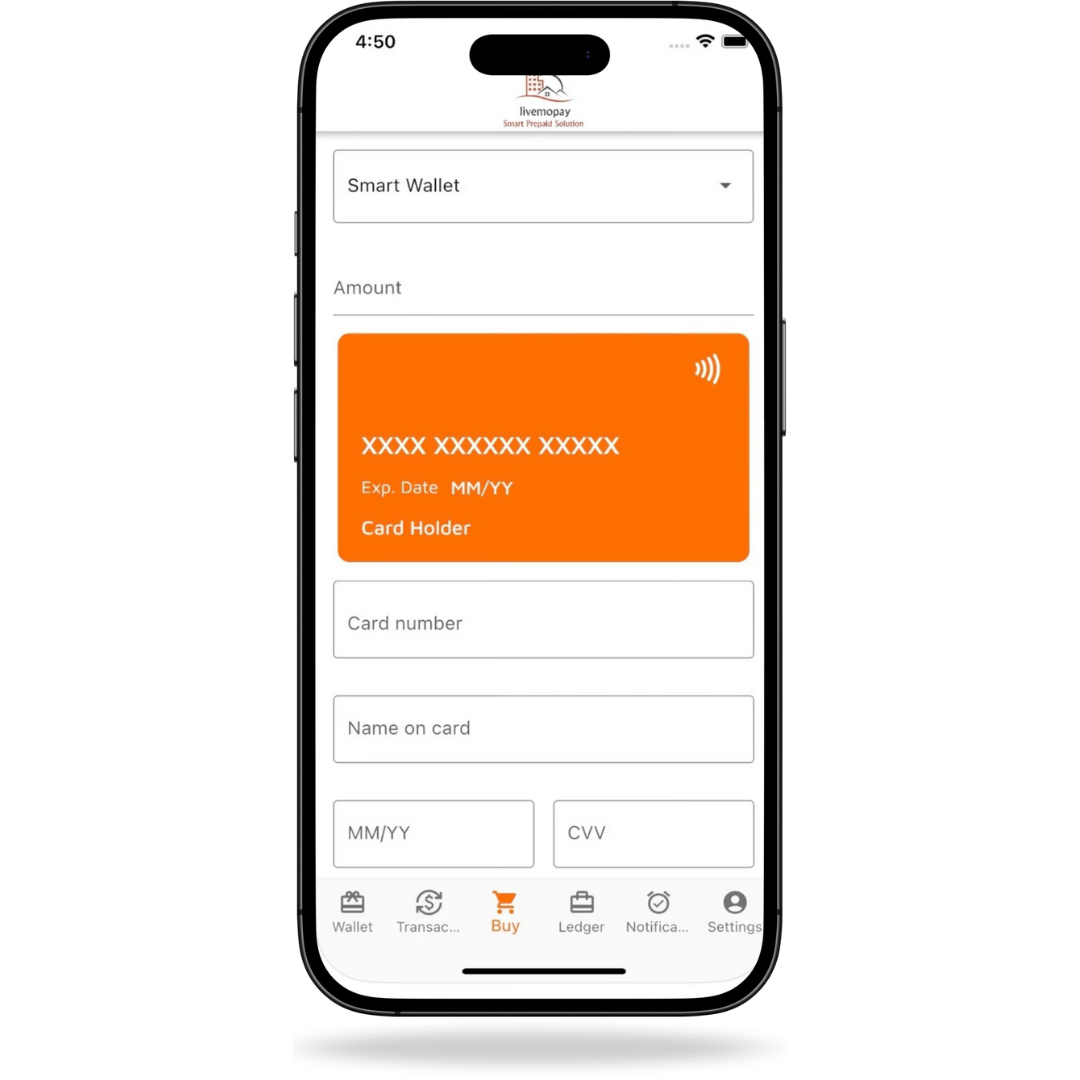
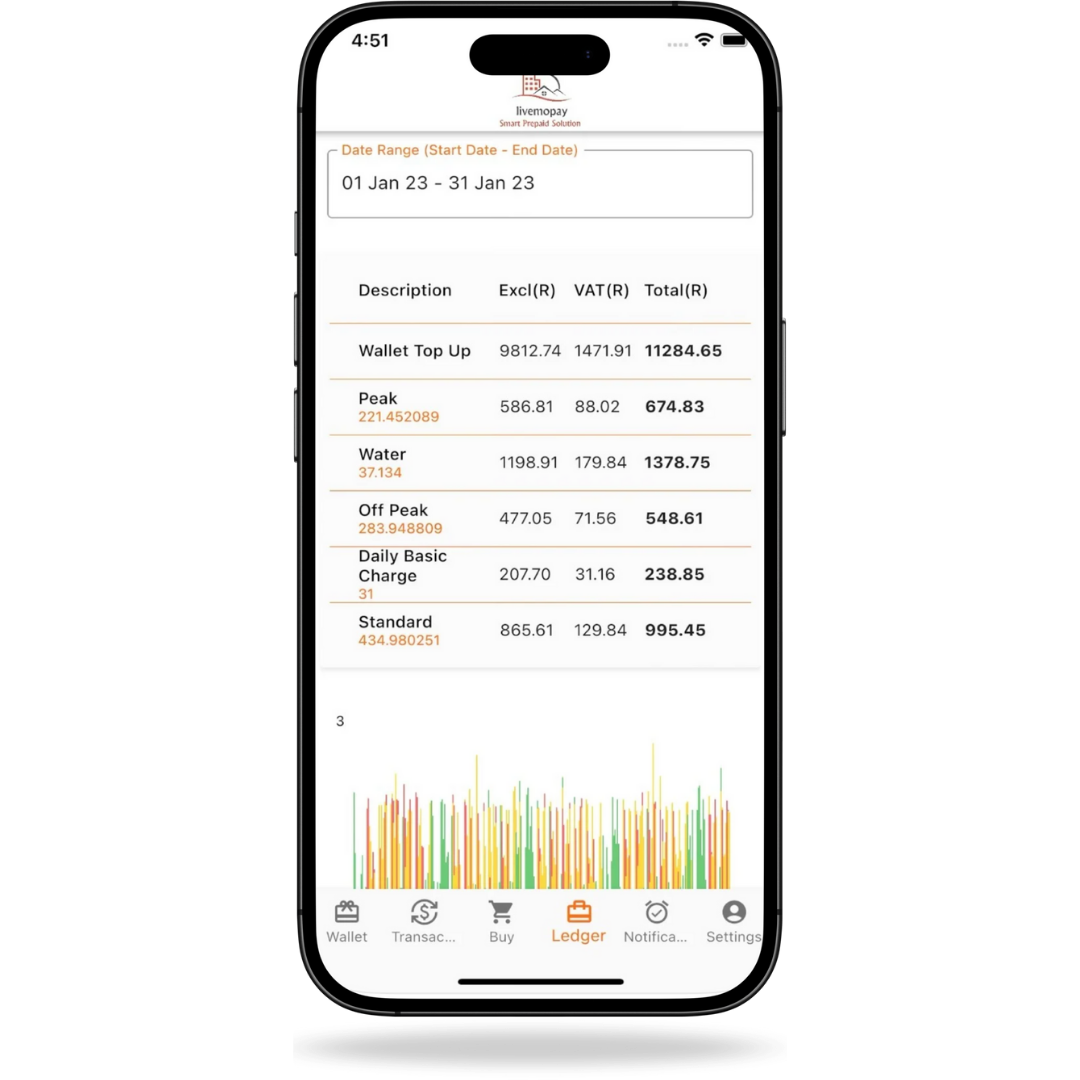
- 01 | Enter your meter number
- 02 | Enter your basic details
- 03 | Make payment
- 04 | Receive your token
- 05 | Remotely load your token on your meter
USER GUIDES
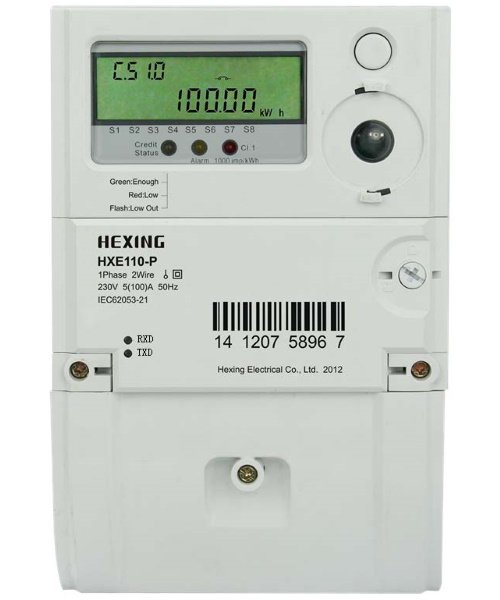
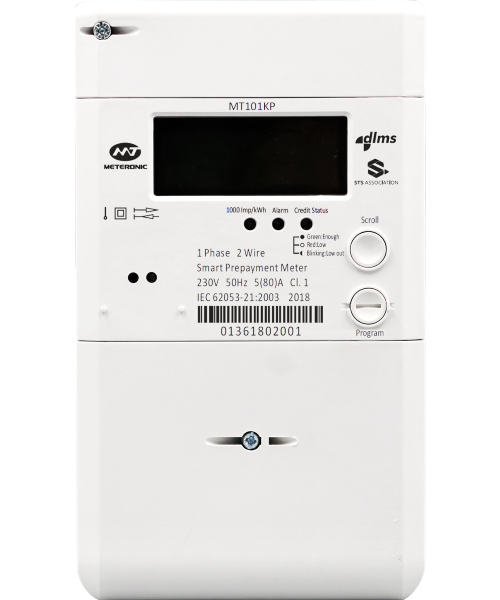
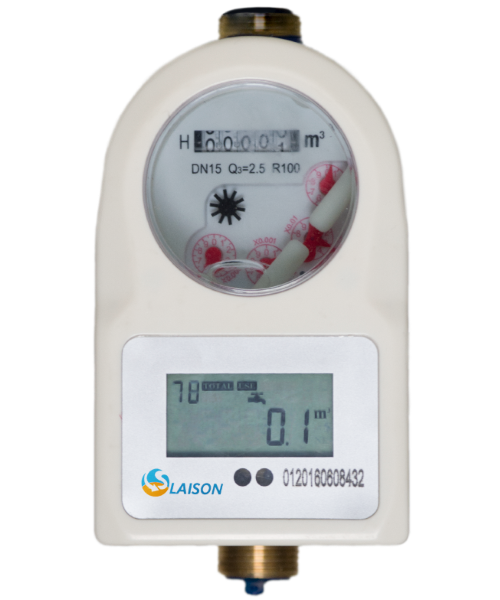
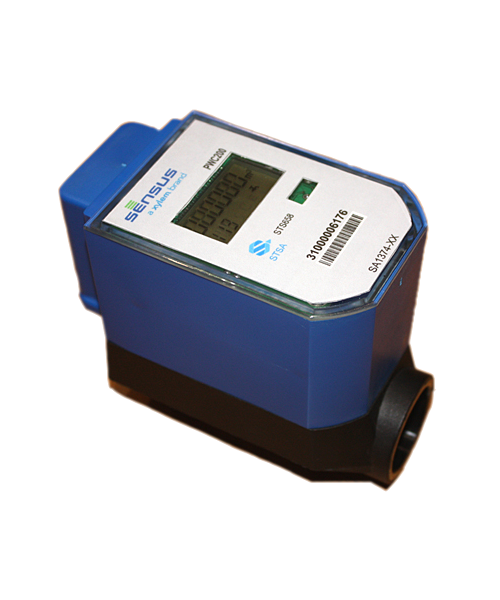
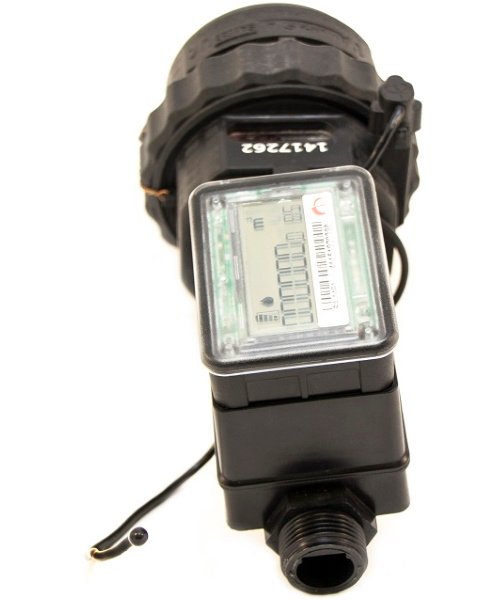
What type of meter do you have installed?
FAQ
Frequently Asked Questions
My meter returns an error when I try to enter the token
Please download the specific guide for your meter type to determine what the error means as well as the solution to the issue.
Is there a minimum purchase amount for electricity/water?
Yes, the minimum purchase amount is R10.00
Is Livemopay the only website where I can purchase prepaid tokens?
Other web sites such as Prepaid24 are available to purchase a token, however, they do not offer the option to load the token remotely.
I have a business account and cannot purchase prepaid tokens on www.livemopay.co.za?
We recommend that you sign up to Prepaid24’s EFT service to purchase tokens.
My keypad will not connect to the meter
Please download the specific guide for your meter type.
Can an electricity token be reversed or refunded?
No, prepaid tokens are issued per meter number and once issued it cannot be reversed or refunded.
How can I load my token remotely?
Your meter must first be loaded on the Livewire platform in order to register for prepaid purchases. After acquiring your token on www.livemopay.co.za, you can remotely load it. Alternatively, you can use the Smartwire app at any moment to load a token.
*Subject to meter compatibility.
Is there support available 24/7?
Our technicians are available from 07:00 to 22:00 7 days a week. Please send an email through to prepaid@livewire.co.za or fill out our online support form and we will get back to you as soon as possible. Please note that support requests logged between 16:00 and 22:00 may have a delayed response time.
What payment methods does Livemopay offer?
SID instant EFT, Credit and debit card payment. Note: Subject to account compatibility.
Where can I purchase electricity/water?
At retailers nationwide, www.livemopay.co.za or any other online 3rd party vending platform such as Prepaid24.
How do I know what meter type is installed at my premises?
Please check the name plate of your meter or refer to the pictures above to determine your specific meter type.
I can’t load my token remotely
Please attempt to load your token via the provided keypad.
Why are there debt amounts deducted when I make a purchase?
Water and other utility debts may be loaded onto your electrical meter as per instruction from the landlord/ homeowner. Please contact prepaid@livewire.co.za to request details regarding the debts loaded onto your meter.
How can I get login details for the Smartwire App
The Smartwire App offers a self-registration feature. Visit register.liveview.co.za for more information.
GET IN TOUCH
Give us a call
available 7AM - 10PM
Email us
prepaid@livewire.co.za
chat to our support team
Contact form
send us a message
Address
Tygerberg House, 2nd Floor, Tygerberg Office Park, 163 Uys Krige Drive, Plattekloof 1, 7500, Cape Town
Business Hours (Central African Time)
- Mondays to Thursdays: 7:00 – 16:00
- Fridays: 7:00 – 13:00
- Weekends/Public Holidays: Closed